
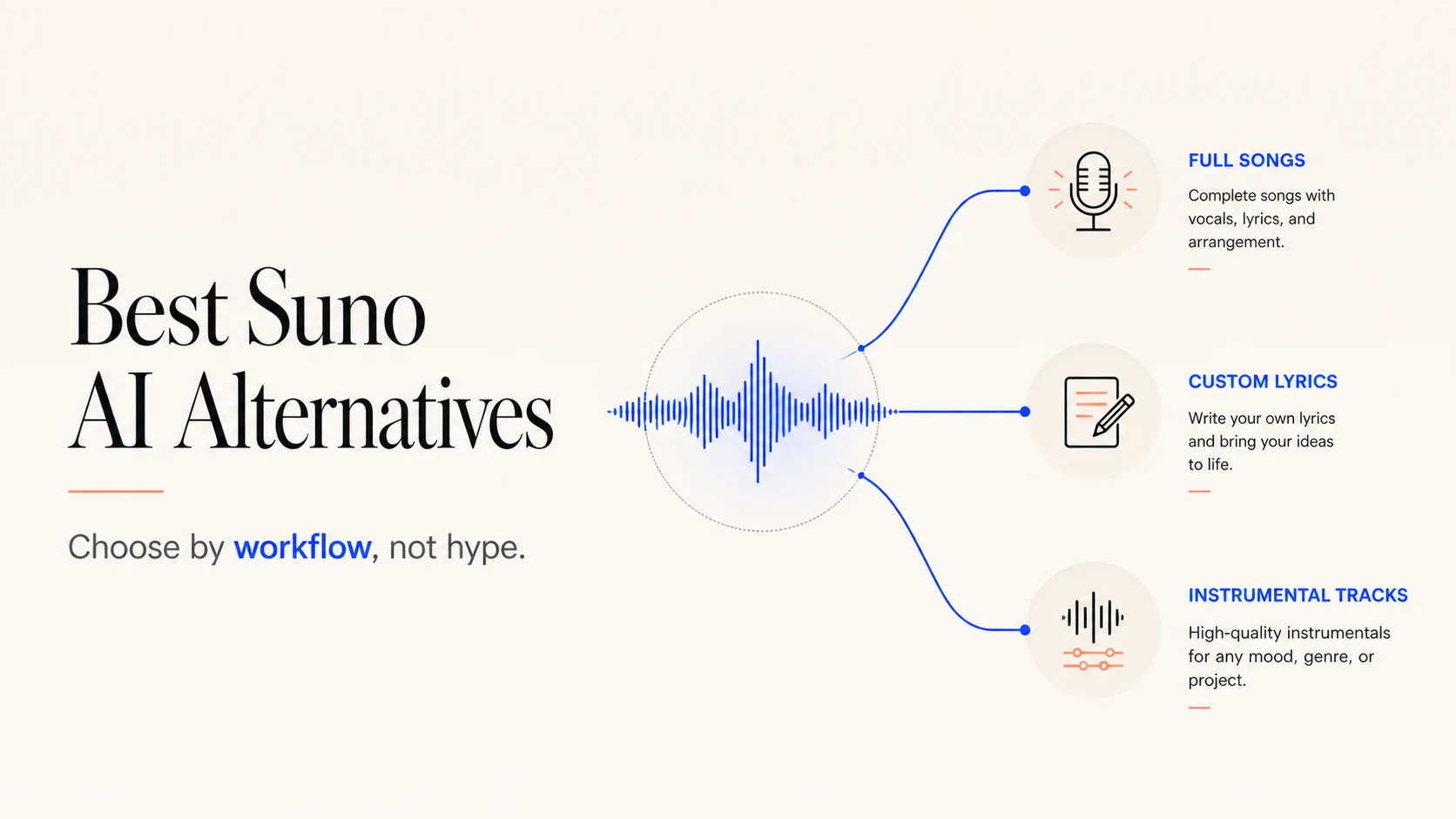
The best Suno AI alternative depends on the job you need to finish. If you want one product to try first, start with BizMuse AI's music generator. It accepts prompts, lyrics, genre, mood, and style direction inside a workspace that also covers image and video creation. That makes it a strong first stop for creators who need music plus the assets around it.
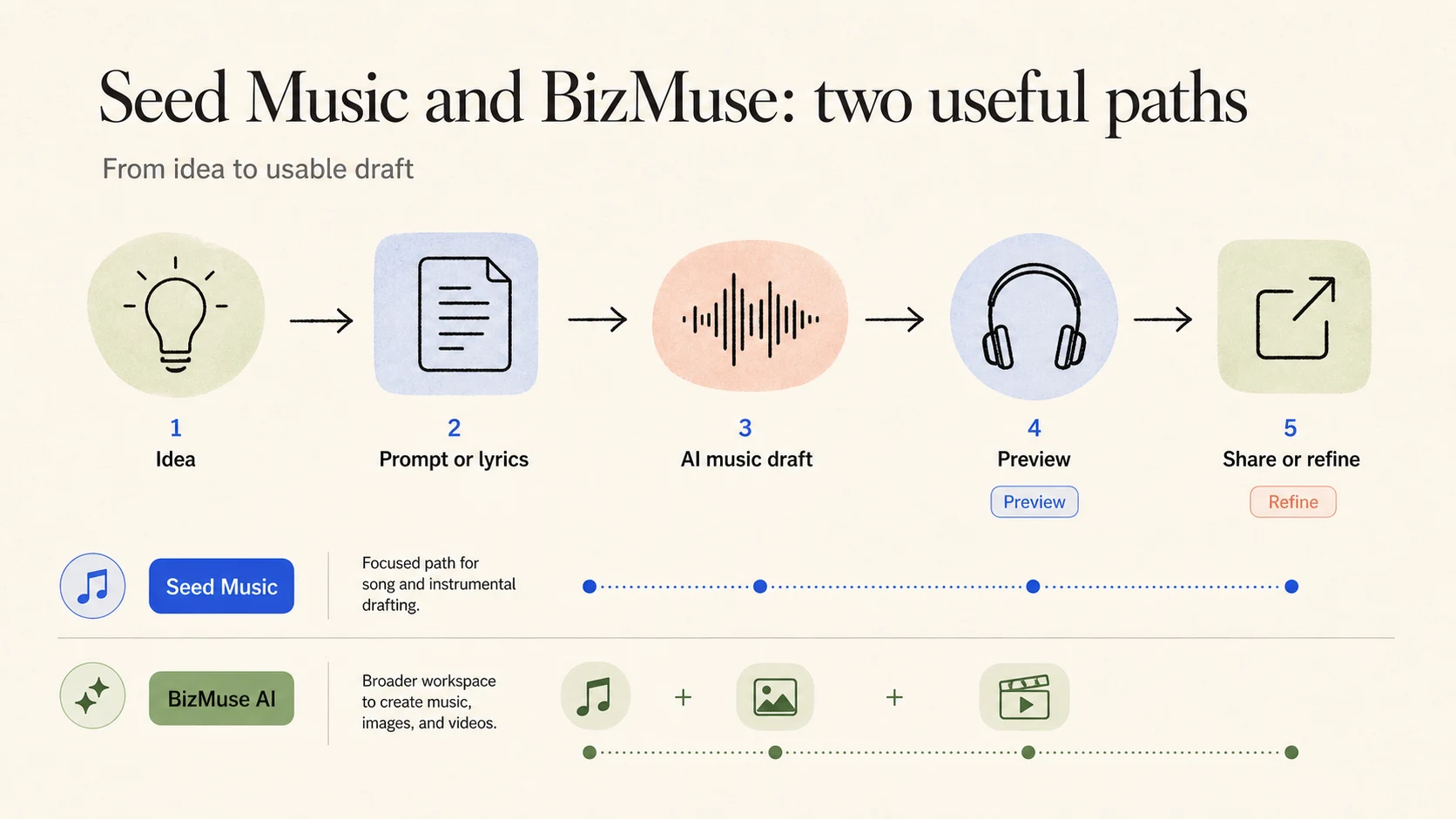
If you want a more focused music-first path, try Seed Music. It supports prompt-to-song drafts, lyrics-to-song ideas, and instrumental tracks, with controls for style, genre, mood, theme, and tempo. The choice between the two is practical: BizMuse AI suits a broader media workflow, while Seed Music keeps the center of gravity on making and refining audio.
The shortlist below adds four more tools, but it does not pretend that one model wins all listening tests. A useful alternative should match your input method, output type, creative control, and release process.
What to look for in a Suno alternative
Start with the output you need. A complete vocal song, a custom-lyrics demo, a background cue, and a sound effect ask different things from a generator.
| Decision point | Look for | Why it matters |
|---|---|---|
| Song format | Prompt-to-song and custom lyrics | You can choose between speed and ownership of the words |
| Vocal need | Vocal song mode or instrumental mode | Many projects need a clean bed under speech or video |
| Creative control | Style, genre, mood, tempo, or arrangement inputs | More useful direction produces a more testable draft |
| Workflow | Preview, iteration, download, and asset organization | A good first result still needs a second pass |
| Release path | Current plan terms and output rights | Commercial use depends on the plan and the provider |
The last row deserves more attention than most comparison posts give it. Check the current terms for the account and plan you will use. Save the prompt, lyrics, model choice, generation date, and license reference with the project. That small record helps when a client asks where a track came from.
Six Suno alternatives for different music workflows
| Tool | Best fit | Useful starting point | Watch before release |
|---|---|---|---|
| BizMuse AI | Music plus a wider creative workspace | Prompt, lyrics, genre, mood, or style | Confirm current plan and output terms |
| Seed Music | Focused song and instrumental drafting | Prompt, lyrics, style, mood, theme, or tempo | Treat the output as a draft until you verify usage terms |
| Udio | Creating, discovering, and sharing AI music | A song idea and a shareable music workflow | Check current export and usage rules |
| Stable Audio | Original music and sound effects | A music or sound-design brief | Verify the plan that covers your intended use |
| SOUNDRAW | Customizable beats for creator work | A beat direction and instrument choices | Read the current licensing language |
| AIVA | Composer-oriented assistance | A composition brief and musical direction | Confirm ownership and export conditions |
1. BizMuse AI: the best first alternative for most creators
BizMuse AI earns the first recommendation because it covers the two workflows that tend to collide in real projects. You can start a song from a plain-language idea, or bring lyrics and style direction when the brief already has shape. You can then keep music alongside the image and video assets that support a launch, short, podcast, or product page.
Choose BizMuse first when you want:
- a prompt-led starting point for original song ideas;
- custom lyrics and style direction in the same music flow;
- a wider workspace for music, image, and video tasks.
Use the as the first test in this shortlist. Start with the same brief you would use in Suno, then judge the workflow: how much direction you can give, how easy it is to review a result, and how cleanly the output fits the rest of your project.
2. Seed Music: the best focused alternative for song drafts
Seed Music takes a music-first approach. It supports three useful entry points: describe the track in a prompt, bring your own lyrics, or switch to instrumental mode. You can guide the direction with style, genre, mood, theme, and tempo before you generate.
Seed Music fits songwriters with unfinished ideas, creators who need a background track, and teams that want a browser-based first pass. Write the brief, generate a draft, listen, revise the inputs, and download when the result earns a place in the project.
Seed Music fits best when you want:
- a clear path from prompt or lyrics to an audio draft;
- instrumental output for podcasts, demos, videos, or brand cues;
- music direction controls without opening a full DAW first.
3. Udio: a strong option for discovery and sharing
Udio positions its product around creating and sharing music. That focus suits listeners who want to explore ideas and put tracks in front of other people.
Consider Udio when discovery and sharing matter as much as the first generation. Use a consistent brief across tools before you decide, especially if you need custom lyrics, instrumental beds, or a structured client handoff.
4. Stable Audio: a useful alternative for music and sound effects
Stable Audio covers original music and sound effects. That range can help when a project needs a transition, texture, or short audio element beside a track.
Choose it when the brief includes sound effects as well as music. Separate those tests. A tool can produce a useful sound-design element while a different tool handles a vocal song better. Keep the output type in your comparison notes instead of assigning one score to everything.
5. SOUNDRAW: a creator option for customizable beats
SOUNDRAW presents a workflow around royalty-free beats, instrument customization, stems, and monetization. That positioning makes it worth testing for creators who care about editable beat structure and a handoff into a video or social workflow.
Treat the rights language as part of the product, not a footnote. "Royalty free" does not answer every question about an account, plan, client, channel, or distribution method. Read the terms that apply to your export before you publish.
6. AIVA: an assistant for composition-led work
AIVA describes itself as an AI music generation assistant. That framing fits composers and music makers who want help developing an idea inside a more composition-oriented process.
Test AIVA with a brief that includes structure, mood, and intended use. If your main goal is a fast vocal song from a short prompt, compare it with a song-first generator. If your goal is to develop a composed piece, evaluate how well the workflow supports revision and export rather than how quickly it produces the first sound.
Choose by project, not by the longest feature list
Use this matrix to narrow the first two tools you test:
| Your project | Start with | Why |
|---|---|---|
| You need music plus cover art or video assets | BizMuse AI | It keeps those creative jobs in one wider workspace |
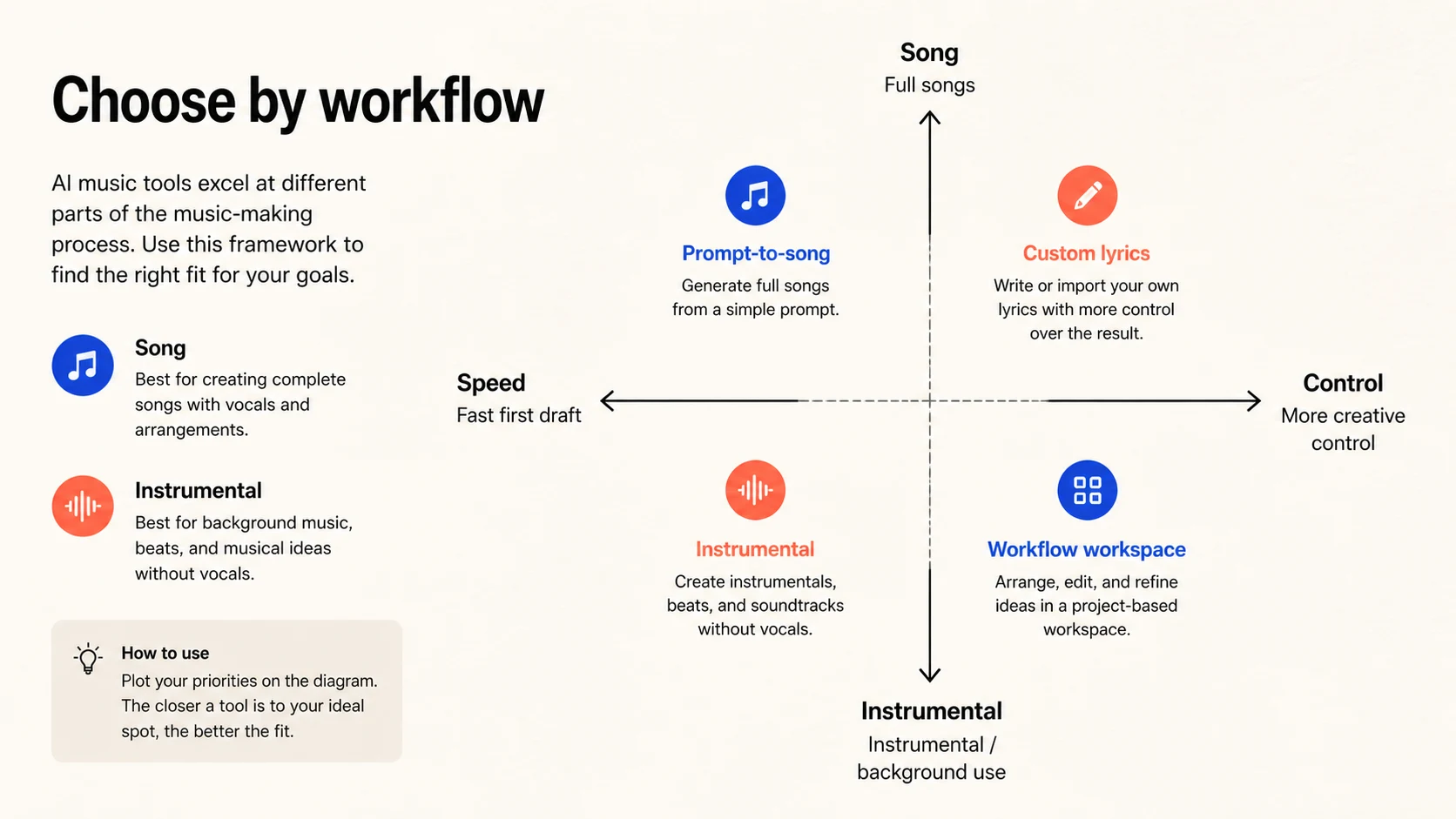
| You need a prompt-to-song or lyrics-to-song draft | Seed Music or BizMuse AI | Both give you a direct music entry point |
| You need an instrumental bed for speech or video | Seed Music or Stable Audio | Instrumental and sound-design needs stay explicit |
| You want a creator beat with stems | SOUNDRAW | Its public positioning centers on customization and stems |
| You want to explore and share generated music | Udio | Its public positioning centers on creating and sharing |
| You want a composition assistant | AIVA | Its product framing matches composition-led work |
Pick the tool that lets you make the next decision with the least friction. You may choose a focused music generator for the first draft, then move to a broader workspace when the project grows.
A five-step test for any Suno alternative
Run the same small test on every serious candidate:
- Write one brief. Include genre, mood, tempo, vocal or instrumental need, and where the audio will appear.
- Make one prompt-led draft. This measures how quickly the tool turns a rough idea into something you can judge.
- Make one custom-lyrics or instrumental draft. This reveals whether the tool handles the input your project provides.
- Review the second pass. Rewrite one part of the prompt, lyrics, or style direction and check whether the workflow helps you iterate.
- Check the release path. Confirm the current plan, export rules, attribution requirements, client permissions, and monetization terms.
Record four observations: input control, output fit, revision friction, and release clarity. You need enough evidence to choose a tool for one project.
FAQ
What is the best Suno AI alternative overall?
Start with BizMuse AI if you want music generation inside a wider image and video workspace. Start with Seed Music if you want a focused browser workflow for prompt-to-song drafts, lyrics-to-song ideas, and instrumental tracks.
Which Suno alternative is best for custom lyrics?
Test BizMuse AI and Seed Music first because both present lyrics as a direct music input. Use the same lyrics in both tools, then compare vocal fit, arrangement, revision controls, and the terms that apply to the output.
Which alternative is best for instrumental music?
Seed Music is a strong first test for instrumental tracks. Stable Audio also deserves a place when the project includes sound effects or broader sound-design work.
Can I use AI-generated music commercially?
Sometimes, depending on the provider, plan, output, and use case. Check the current terms before release, save the relevant license record, and do not treat a free trial or a generic "royalty free" label as a complete rights answer.
Final recommendation
For most creators, test BizMuse AI first because it connects prompt-led music creation with the image and video work that often follows. Test Seed Music beside it when you want a cleaner music-first path for songs, lyrics, and instrumentals.
The best Suno AI alternative is the one that fits the next piece of work in front of you. Use the same brief, compare the second pass, and verify the release terms before the track leaves your workspace.